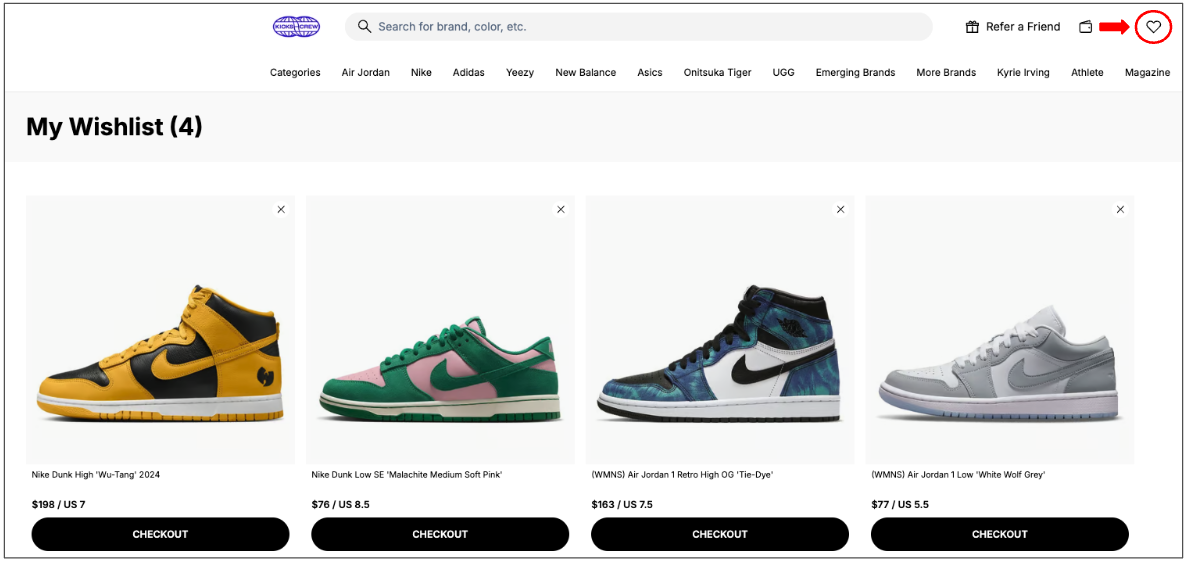
Adding items to your wishlist allows you to easily save and track your favorite products for later.
To add an item to your wishlist:
- Log in to your KICKS CREW account (or create an account if you do not have one).
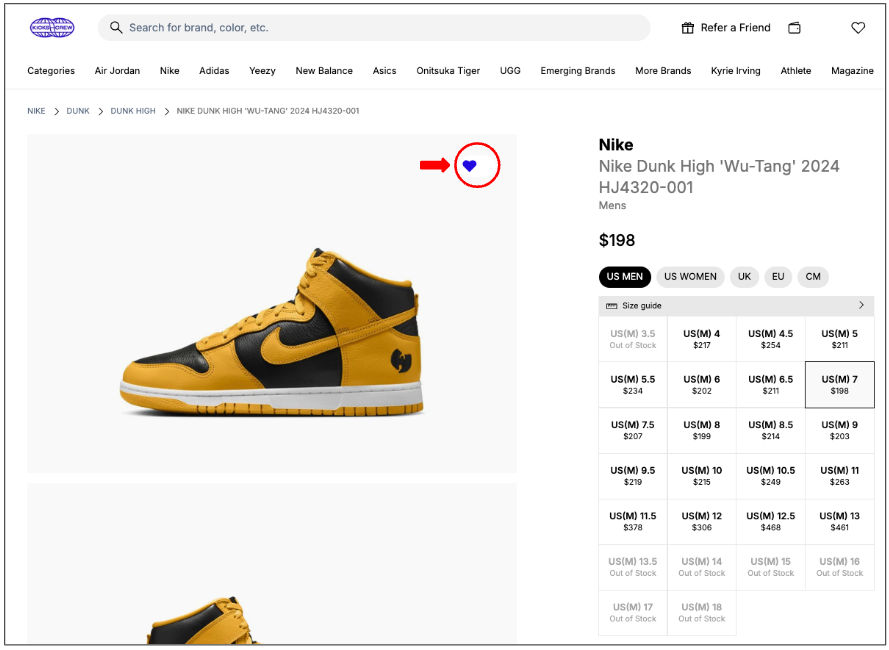
- Go to the product page of the item you’re interested in.
- Click the heart icon to add the item to your wishlist.
- If applicable, select your preferred size before saving the item.
You can view and manage your wishlist at any time through your account dashboard.
Was this article helpful?
That’s Great!
Thank you for your feedback
Sorry! We couldn't be helpful
Thank you for your feedback
Feedback sent
We appreciate your effort and will try to fix the article